Console Guide
The BaseID Console is a web-based admin dashboard for managing your tenant’s credentials, DIDs, team members, compliance, and API keys.
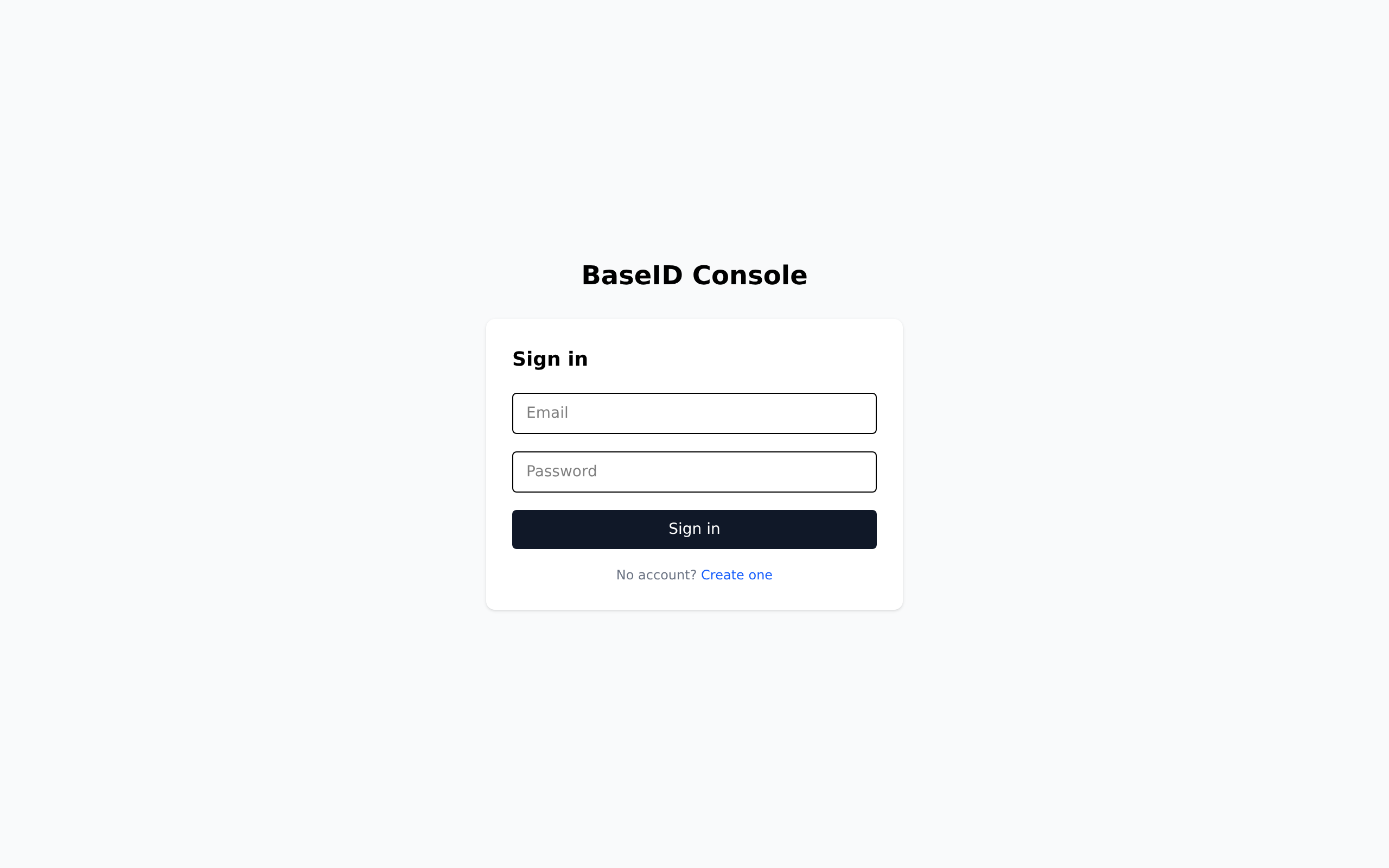
- Hosted:
https://console.baseid.cloud - Self-hosted:
http://localhost:3001(dev mode)
Dashboard
Section titled “Dashboard”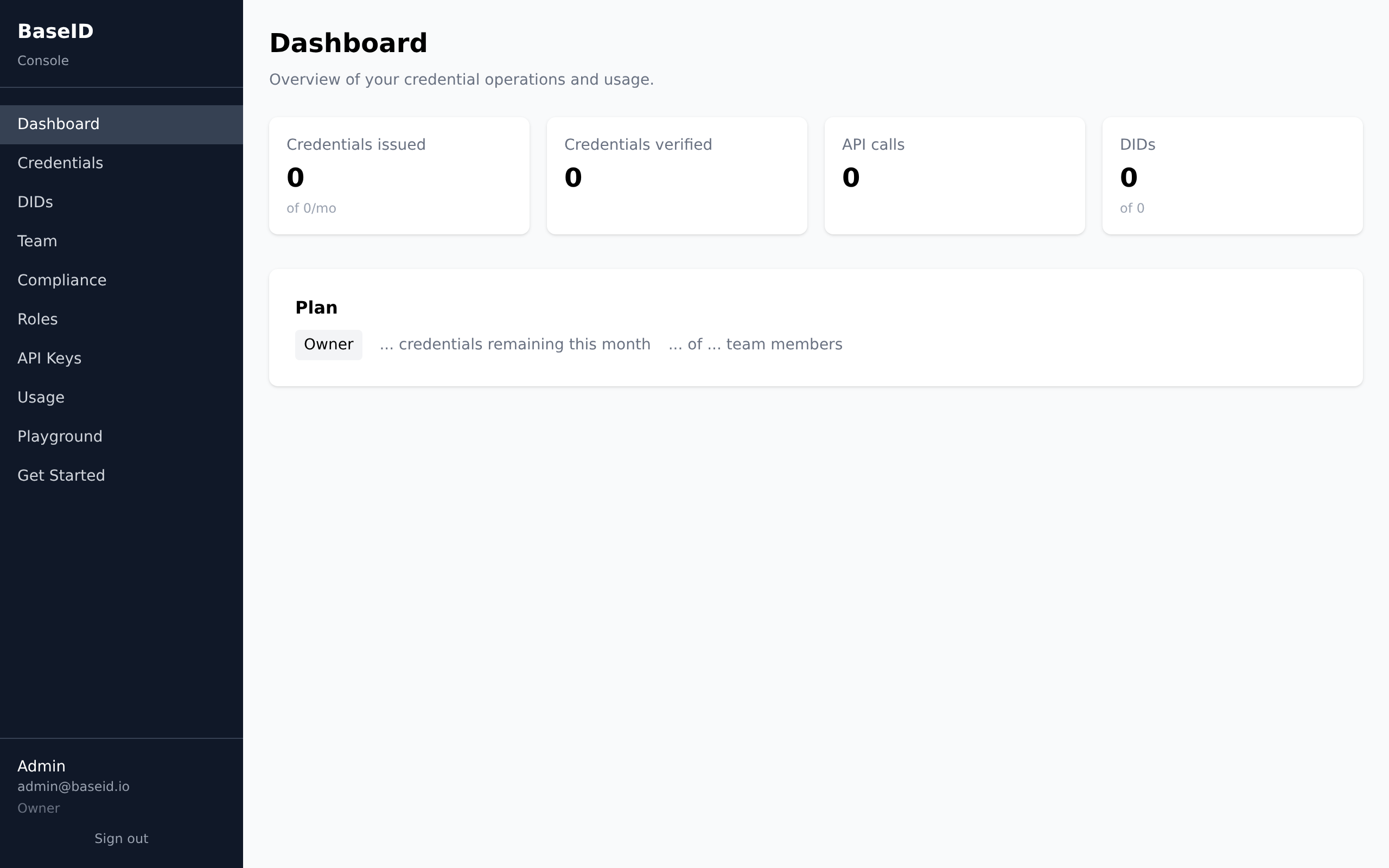
The dashboard shows an overview of your tenant’s activity: credentials issued/verified, API calls, DID count, and plan usage. New tenants see a welcome banner linking to the Getting Started wizard.
Navigation
Section titled “Navigation”The sidebar (hamburger menu on mobile) provides access to all sections:
| Section | Description |
|---|---|
| Dashboard | Overview stats — credentials issued/verified, API calls, plan usage |
| Credentials | Issue, list, and revoke verifiable credentials |
| DIDs | Create and manage Decentralized Identifiers |
| Team | Invite members, assign roles, manage access |
| Compliance | Generate compliance reports, manage consent, view audit trail |
| Roles | View built-in roles and create custom roles with granular permissions |
| API Keys | Create and manage programmatic API access tokens |
| Usage | Detailed usage metrics, quota bars, plan info |
| Playground | Interactive API explorer with pre-built examples |
| Get Started | 3-step guided setup wizard |
First-time setup
Section titled “First-time setup”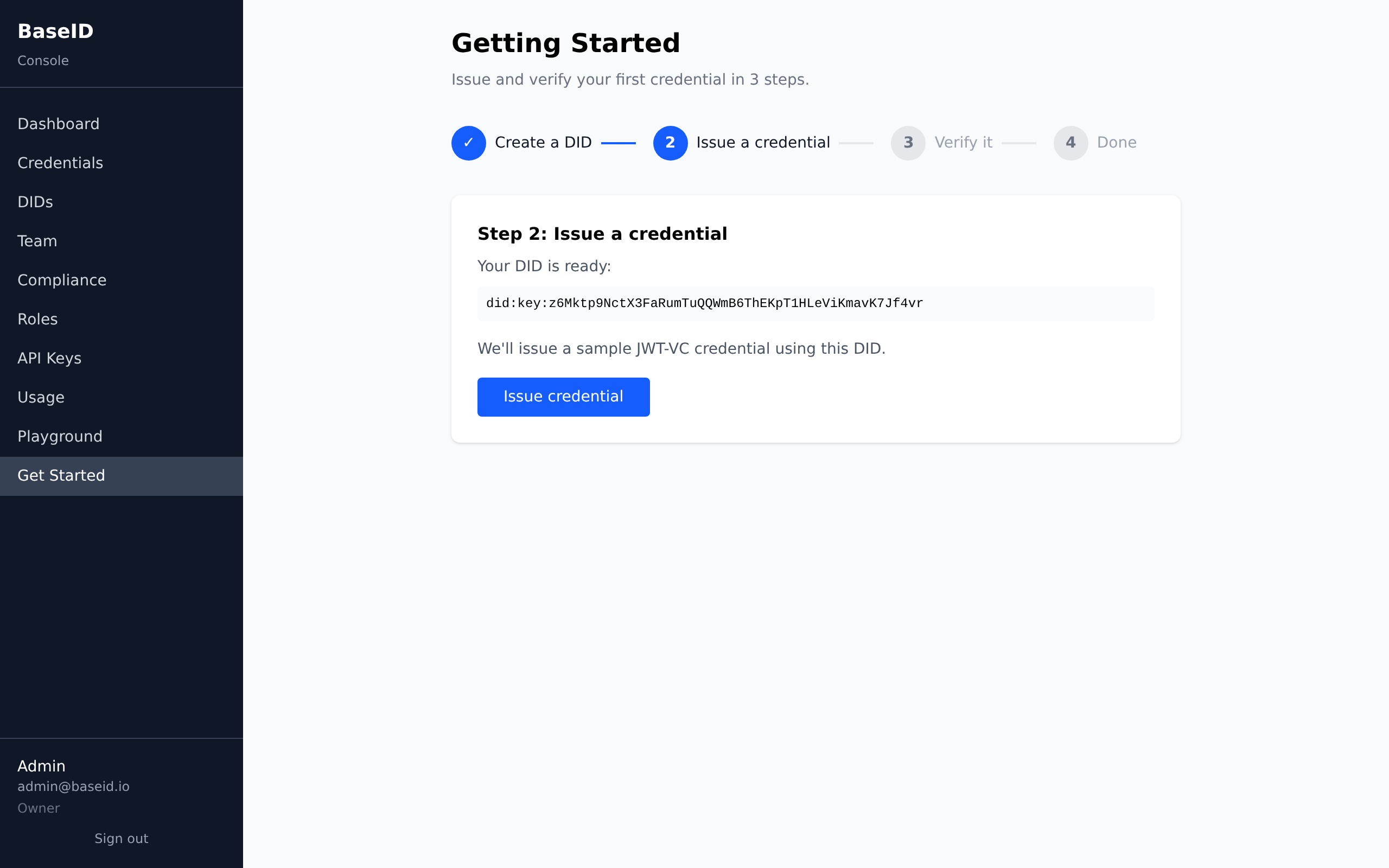
- Register — create an account and tenant organization
- Get Started wizard — follow the 3-step flow: create DID → issue credential → verify it
- Create API key — for programmatic access from your backend
Roles & permissions
Section titled “Roles & permissions”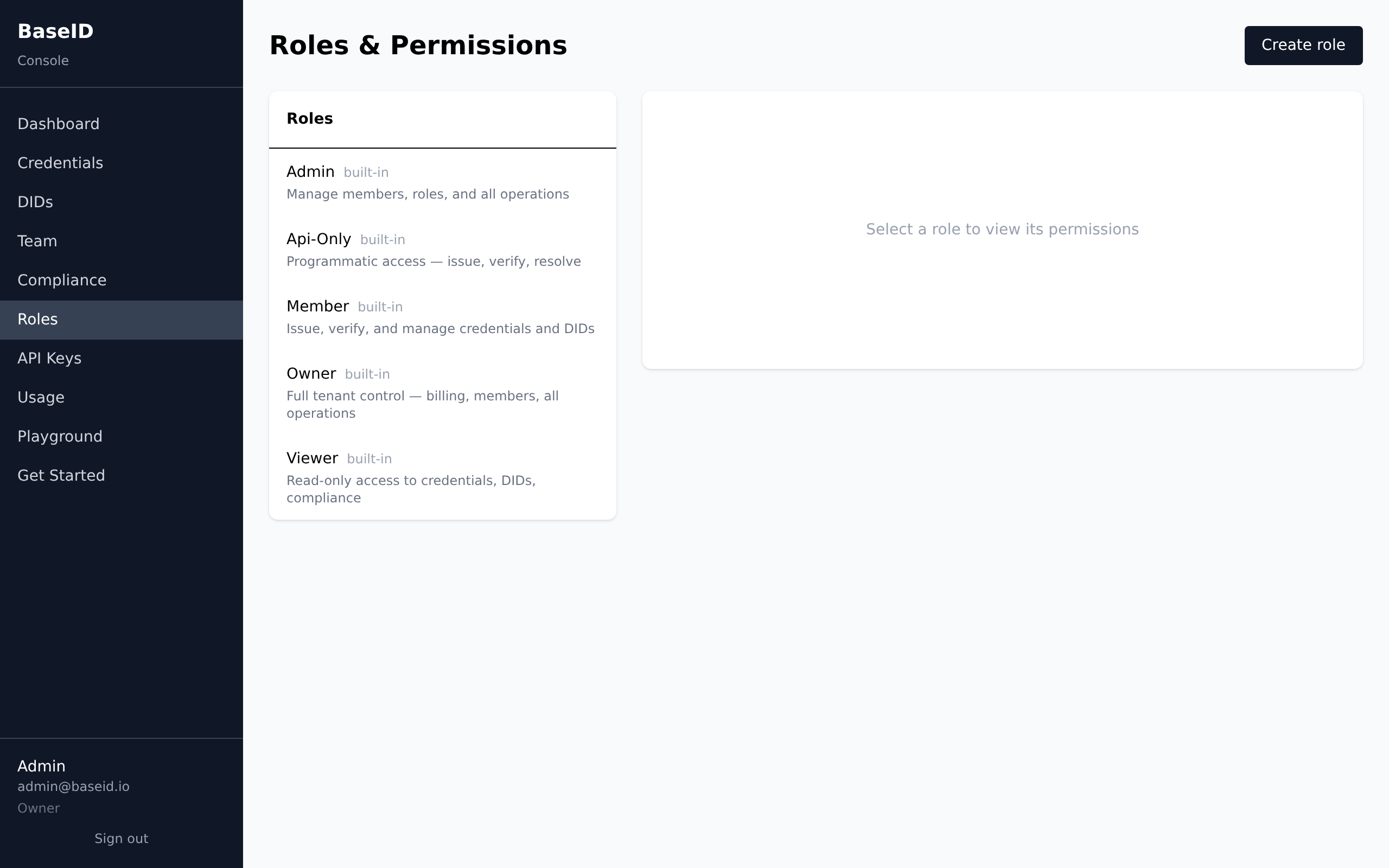
Navigation items are shown based on your role’s permissions. For example,
the “Roles” page only appears for users with roles:manage permission.
See Team & RBAC for the full permission matrix.
API Playground
Section titled “API Playground”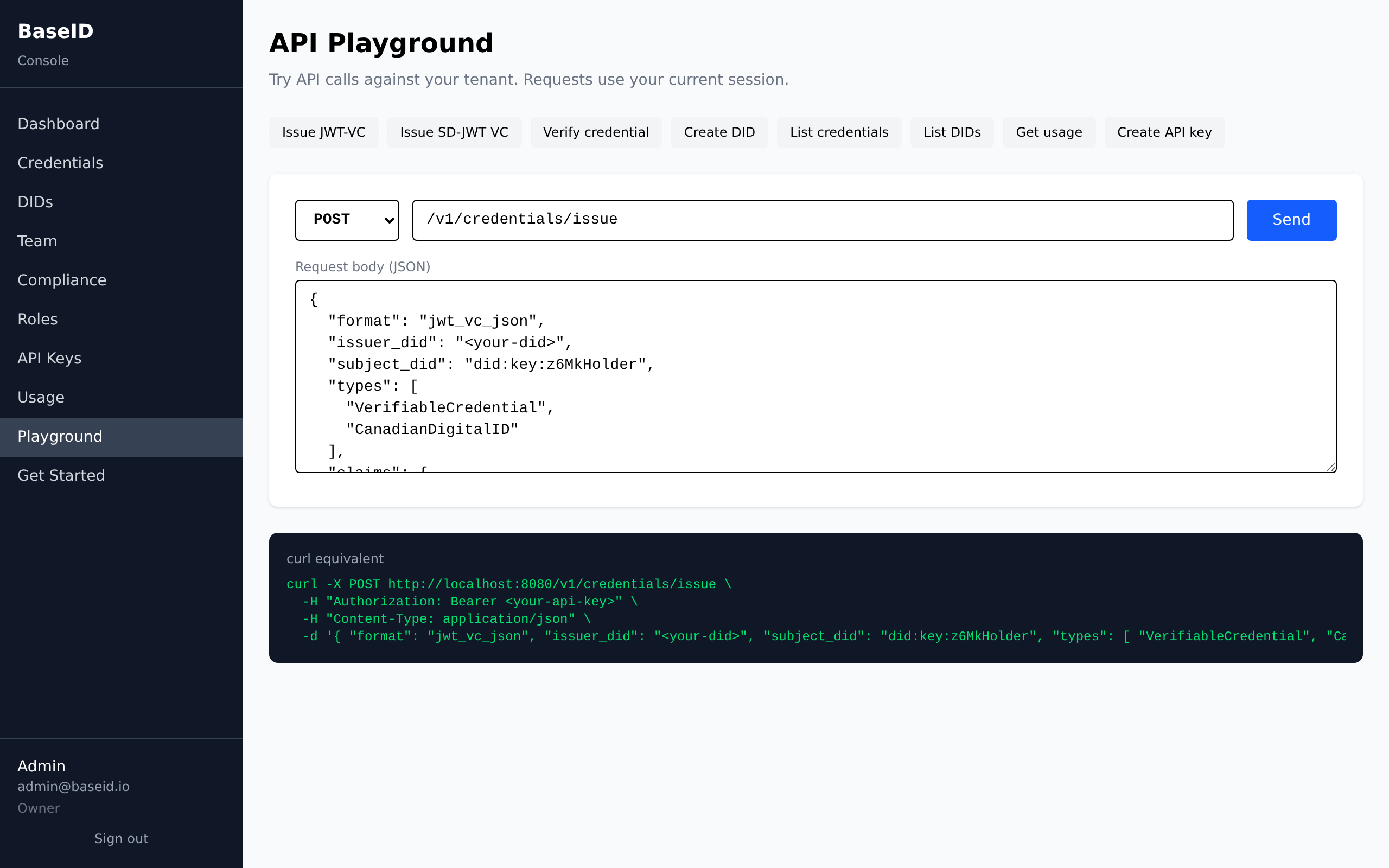
The Playground lets you test API calls interactively. Pre-built examples are available for common operations. Requests use your current session.
Mobile
Section titled “Mobile”The console is fully responsive. On mobile, the sidebar collapses into a hamburger menu accessible from the top bar.
See also
Section titled “See also”- Console: Credentials — issuing and revoking
- Console: DIDs — creating and managing DIDs
- Console: Team & Roles — team management
- Console: Compliance — reports and audit